By default, the Risksheet uses project-level document templates. This document helps you to set up a global Risksheet template, so you can have a shared configuration across multiple projects.
1) Set up Global Template Project
- Create a Polarion project that will hold the global templates
- Configure the Risksheet in this project
- Different from a standard configuration, make the templateDoc custom field of a live document of type STRING
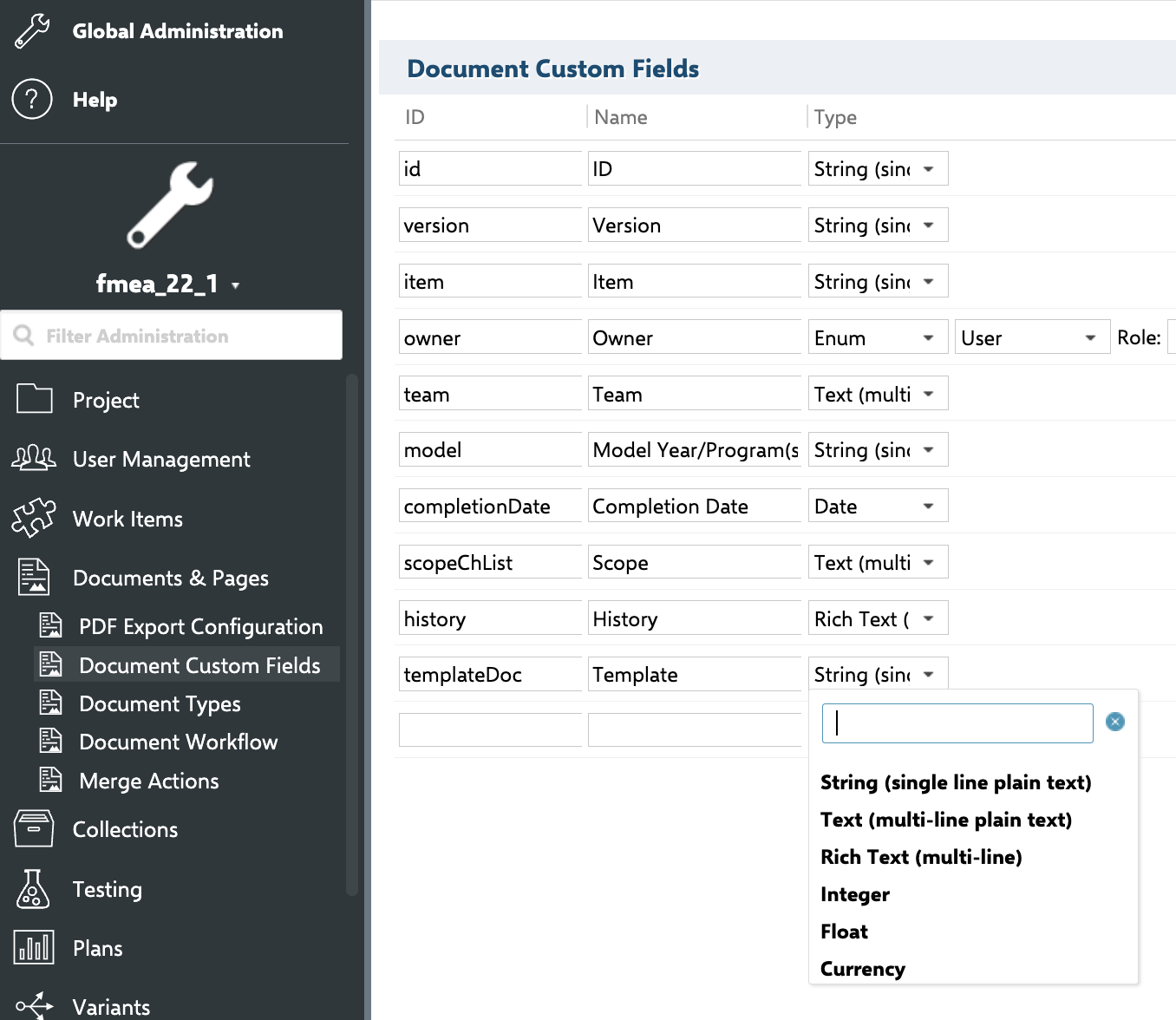
- Set the templateDoc property of your Template document in a format PROJECTID:TEMPLATE_PATH.

2) Set up a Risksheet Project
- Create a Risksheet project that will hold your risk specifications
- again, different from a standard configuration, make the templateDoc custom field of a live document of type STRING
- Go to administration > configuration propertie and configure the path to a template(s):
- nextedy.risksheet.risksheetTemplatePath=GlobalLibrary:Risks/Risk Specification
3) Create a new Risksheet
- Open Risksheet topic and click "New Blank Document"
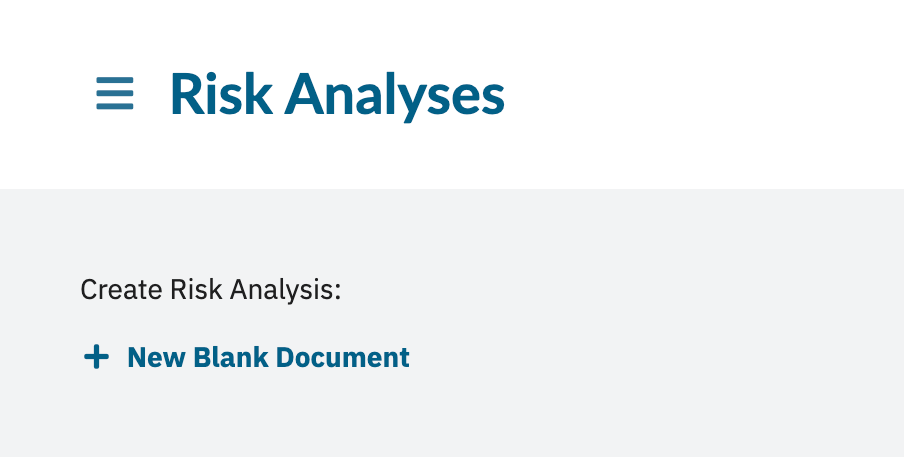
- Select the Risk template and create a document
- Open it in Risksheet
- Open Risksheet Configuration
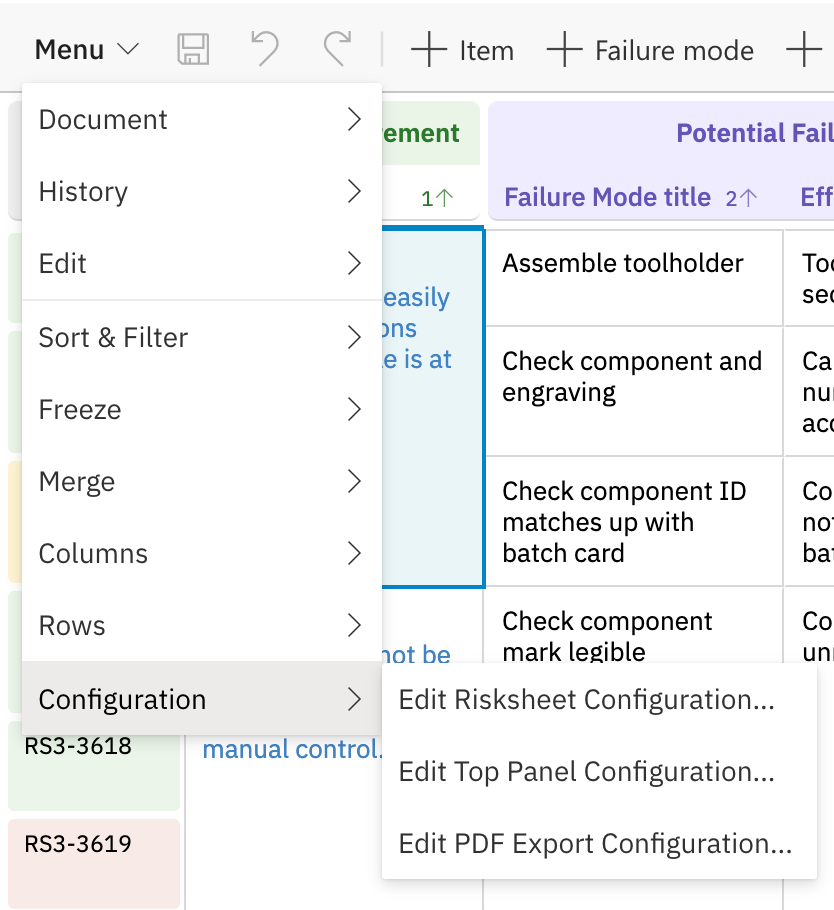
- You should see that it loads the configuration from another project
For any assistance, please don’t hesitate to reach out by submitting a ticket here.
Was this article helpful?
That’s Great!
Thank you for your feedback
Sorry! We couldn't be helpful
Thank you for your feedback
Feedback sent
We appreciate your effort and will try to fix the article