Checklists are widely used in regulated industries to capture review states for Work Items as part of formal approval workflows. Quality Engineers and Compliance Engineers regularly need to export these records for audits by DERs, customers, and regulatory authorities. This article explains the supported method for exporting checklist content.
Starting with version 26.3.0, the export now works as expected with respective operating system's Print to PDF capability
TABLE OF CONTENTS
Supported PDF Export Method
Instructions
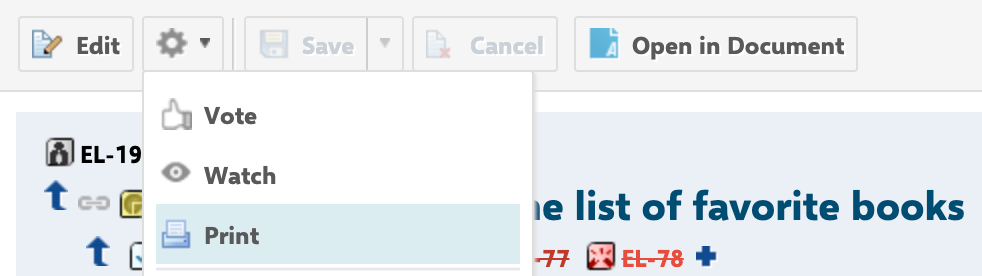
- Open the Work Item in Polarion and navigate to Print View (via the Print icon or Print View button in the toolbar)
- Make sure the Checklist is fully loaded
- The browser print dialog will open automatically (if closed, it can be reopened with CTRL/CMD+P)
- Click Save / Print and choose a file destination
Other methods using the CTRL/CMD+S shortcuts are not fully supported and thus not recommended.
ON hold due to bugs
Was this article helpful?
That’s Great!
Thank you for your feedback
Sorry! We couldn't be helpful
Thank you for your feedback
Feedback sent
We appreciate your effort and will try to fix the article